Templates allow you to quickly define allocations with a single selection.
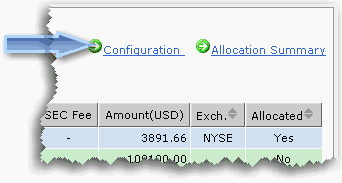
To create a template
The allocation matrix seen below displays asset types along the top row, and destination accounts in the farthest left column. The number of columns/row that you see will depend on the approved pairs of asset types/clearing instructions defined for the account.
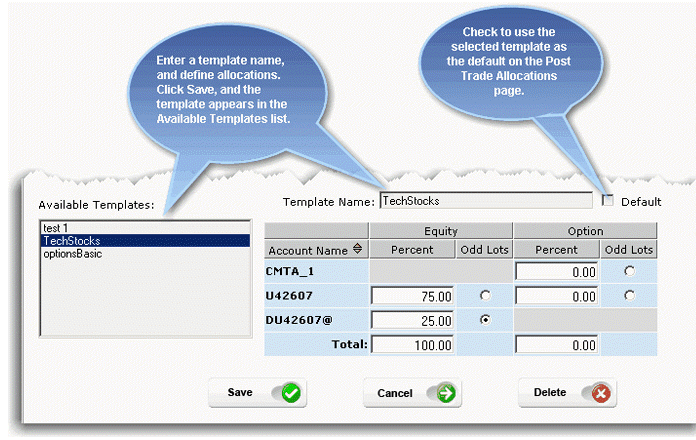
注: Select an Odd Lots recipient to which odd lot allocation amounts will be sent. The saved template will now be available in the Choose a Templates dropdown list on the Post Trade Allocations page.